
Clothing
24 black T-shirts in size M
Link the carton barcode to the black T-shirt in size M. Two cartons of twelve shirts give you 24 pieces of that variant.
Inventory management for Shopify
Set the unit you receive and the quantity you sell for each product variant. Scan a delivery to see how many individual items or sets it contains.
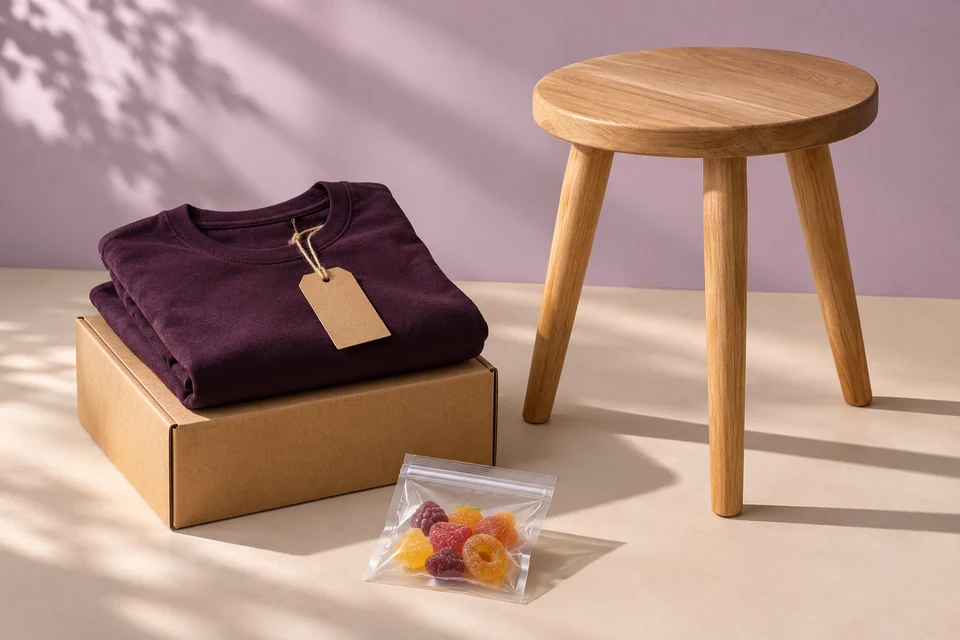
Clothing
Link the carton barcode to the black T-shirt in size M. Two cartons of twelve shirts give you 24 pieces of that variant.
Furniture
Your supplier packs four identical chairs in one box. If you sell them in pairs, a delivery of one box works out to two sets.
Food
Receive 1,000 grams and sell portions of 125 grams. You can also record the batch number and best-before date for this delivery.
Stock receiving
Pick a store type and change the number of packs to see how many items you receive.
Import your catalogue from Shopify. For each variant, select pieces, grams, millilitres or centimetres and enter the quantity in one item you sell.
Scan the supplier’s barcode and enter the contents of the pack. Give other pack sizes their own barcodes and quantities.
Scan the pack barcode when a delivery arrives and enter the number of packs. You can look up the receipt later or print reusable product barcode labels.
Our Shopify App Store listing is being prepared. Tell us what you sell and which module you would like to use.