
Customer service for Shopify
Answer the questions your customers keep asking
“How does this size fit?” “Can you deliver upstairs?” You decide how your store responds. The chat shows customers the answers you have checked.
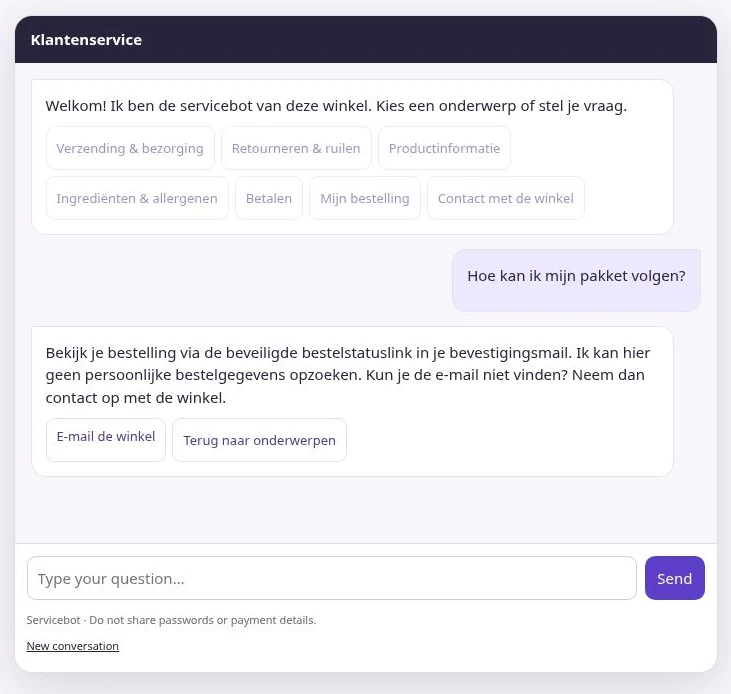
Add a chat to your store
Write an answer
Add a question, write the reply in your customers’ language and link to the public page containing your information. Check the text before approving it.
Try the question yourself
Ask a customer question in the test chat. Check the answer and source that appear. Add a contact option for customers who need personal help.
Enable the chat button
Turn on the storefront bot and enable the customer service chat app embed in your Shopify theme. Save the theme and open the chat as a visitor.
Would Rosenfort work for your store?
Our Shopify App Store listing is being prepared. Tell us what you sell and which module you would like to use.